PayLend User Guide
Welcome to PayLend! PayLend is your premium offline-first app for complete loan, collection, and finance management. This guide will walk you through the basics so you can start managing your loans like a pro.
1. Initial Setup & Security
- Secure Access: When you first open the app, you will configure your secure login. The app supports Face ID / Touch ID, and allows setting a numeric PIN for maximum privacy of your financial data.
- Offline First: You can use 100% of the app’s features even if you don’t have an internet connection. Your data will automatically sync as soon as you are back online.
2. The Dashboard (Business Intelligence)
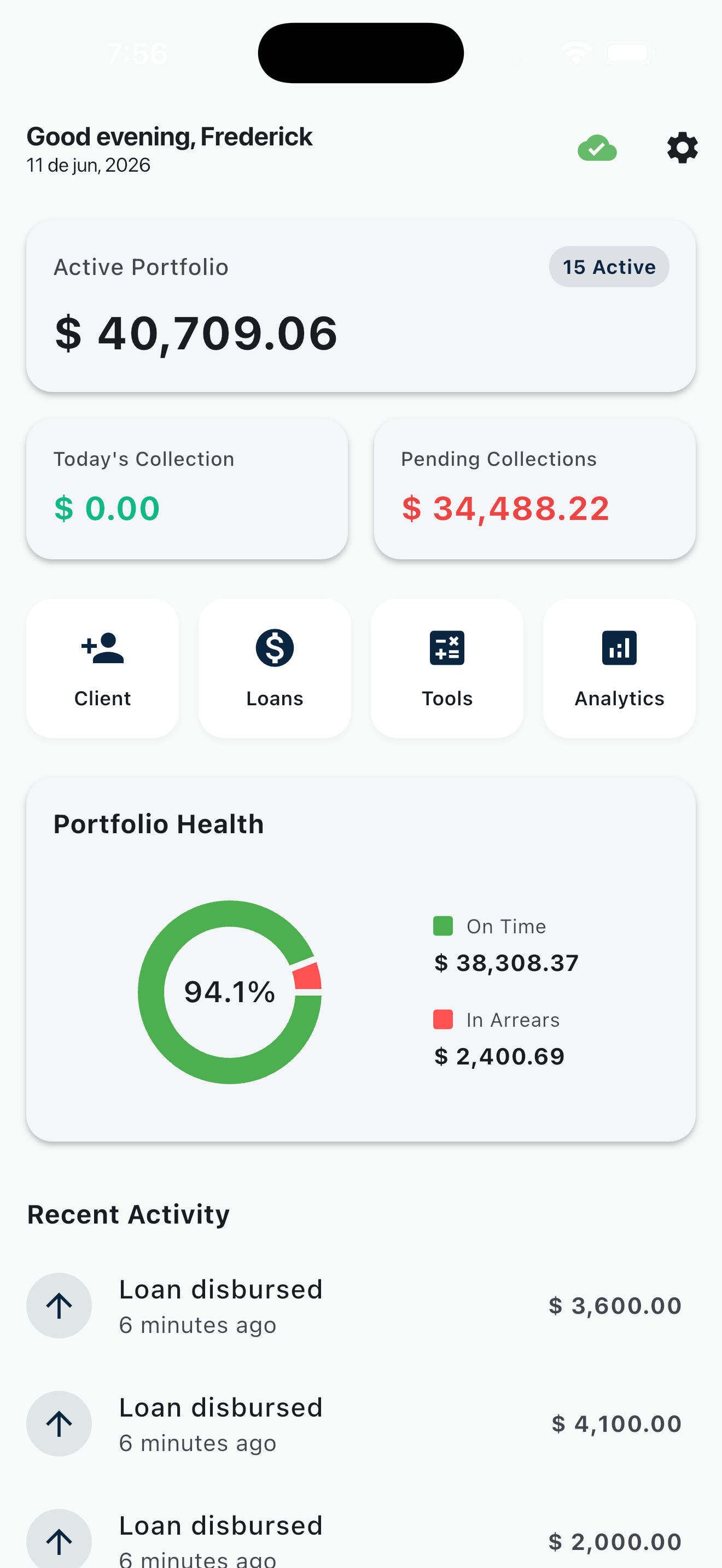
- Upon logging in, you will see your Dashboard.
- Here you can monitor your total earnings, recent activity, and active loans.
- Check your PayLend Score (A-F), an intelligent risk indicator.
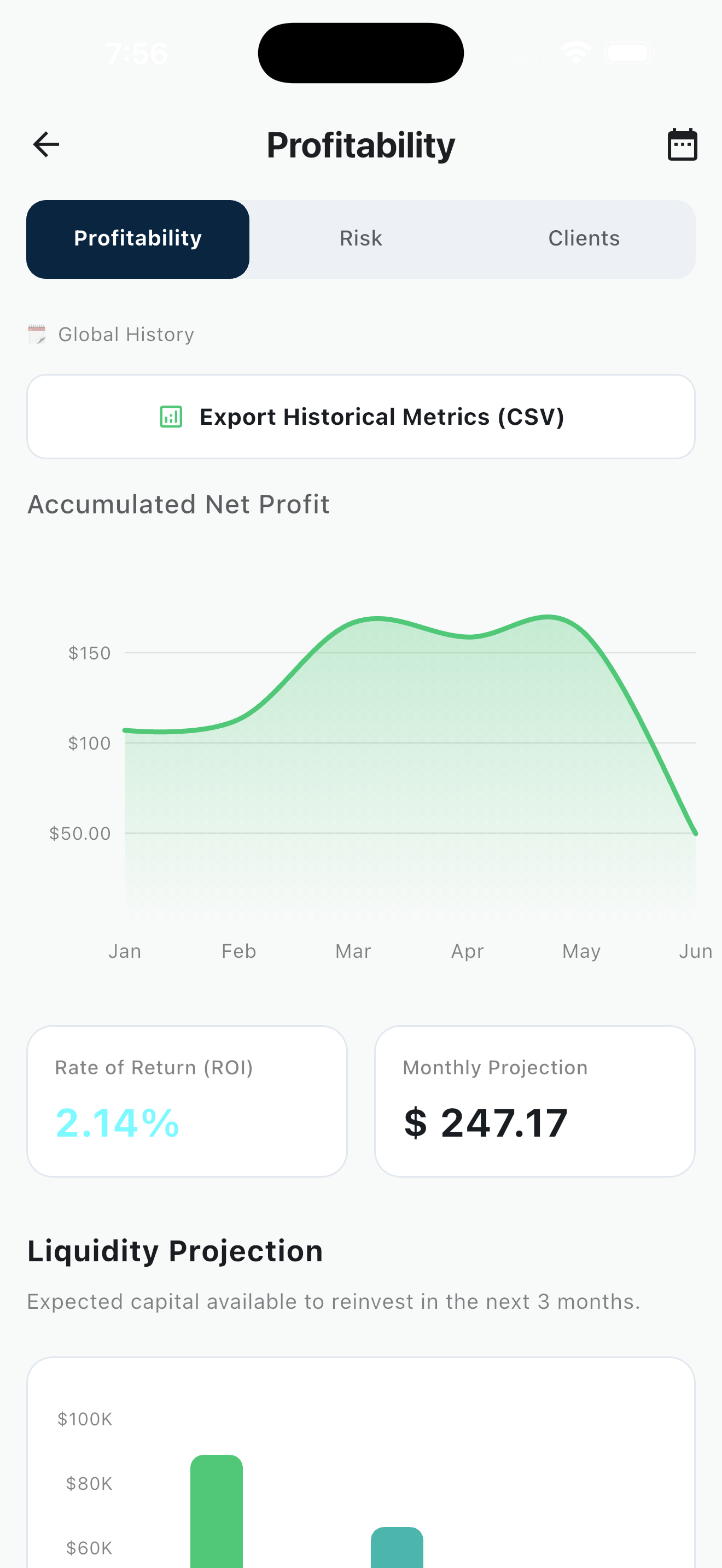
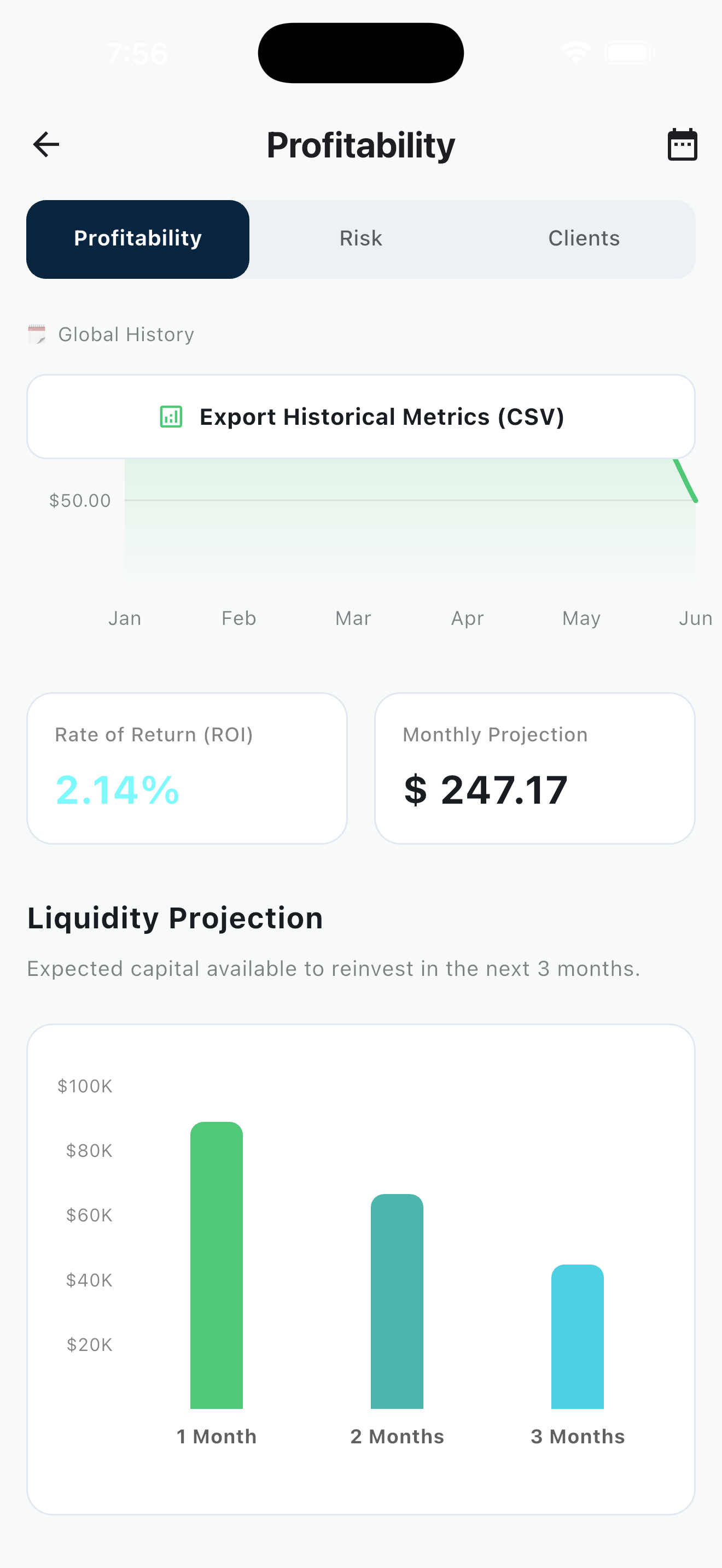
- View your Cash Flow Projections to anticipate your liquidity over the next 30, 60, and 90 days with interactive charts.
3. Adding a New Client
Before creating a loan, you need to register a client.
- Go to the Clients section and tap to add a new client.
- Fill in their basic details: First Name, Last Name, Phone number, and Identity Document.
4. Creating a Loan
- Navigate to the Loans tab and tap to create a new loan.
- Select your registered client.
- Enter the Principal Amount, Interest Rate, Term in Months, and Payment Frequency.
- The app features a powerful simulator that instantly calculates the exact schedule, so you can review it before confirming.
5. Managing Payments & Collections
- In the active loan details, you can see the payment schedule.
- Register a Payment: Tap on a pending installment to record a payment.
- Partial Payments & Prepayments: The app smartly handles partial payments (auto-suggesting the remaining balance) and capital prepayments. If a client pays more towards the capital, PayLend automatically restructures the future schedule, reducing either the monthly fee or the total loan term.
6. Exporting Reports & Receipts
- PDF Receipts: After a payment, you can generate a professional PDF receipt (ticket style) or an A4 amortization table to share with your client via WhatsApp or Email.
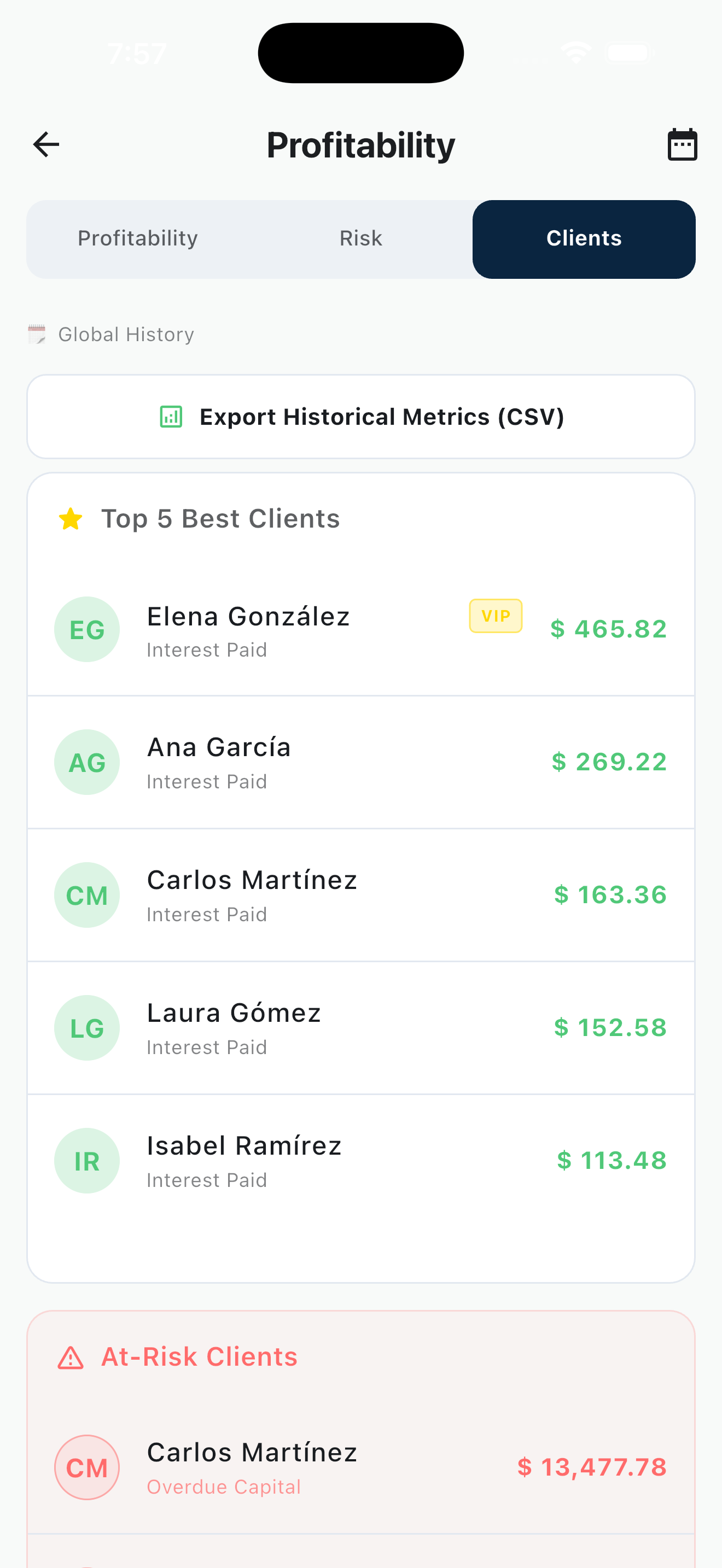
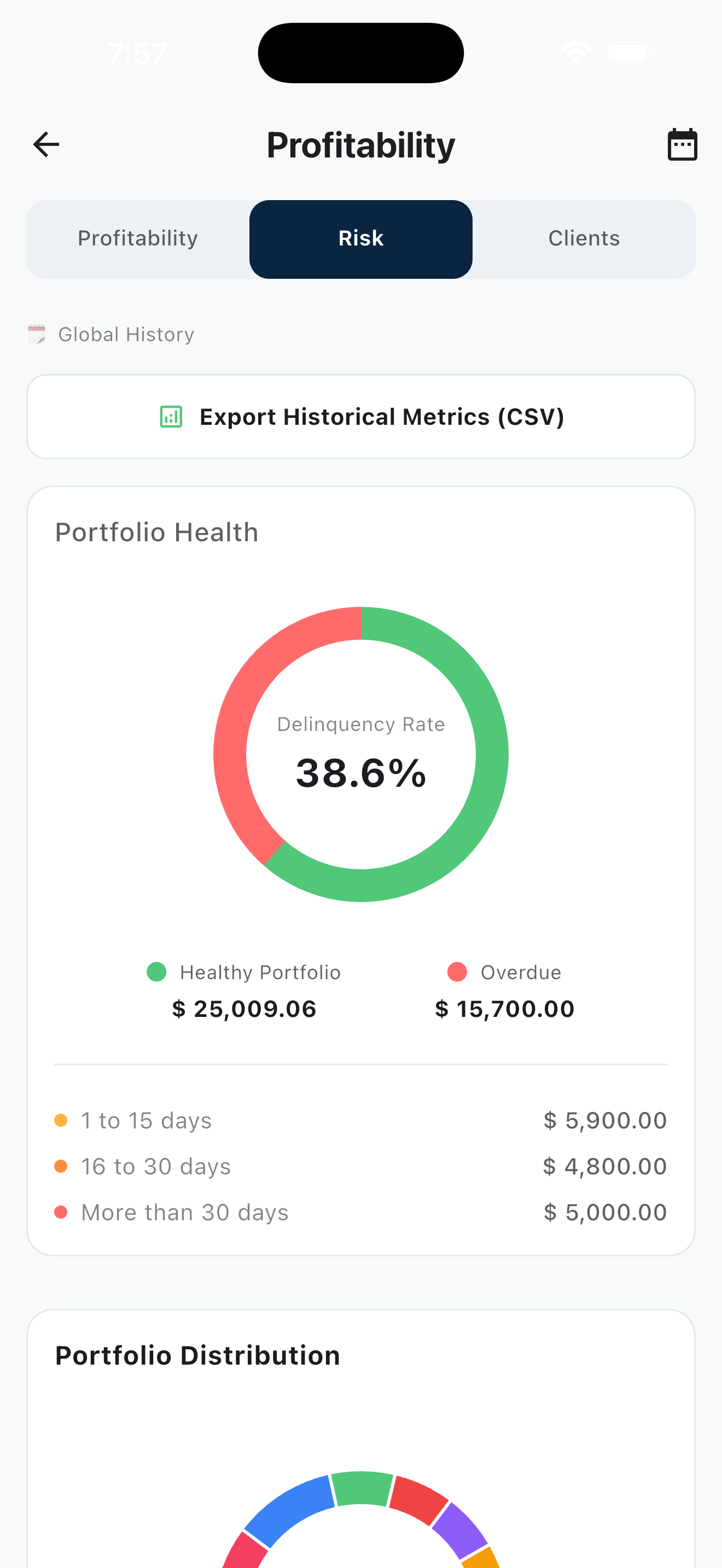
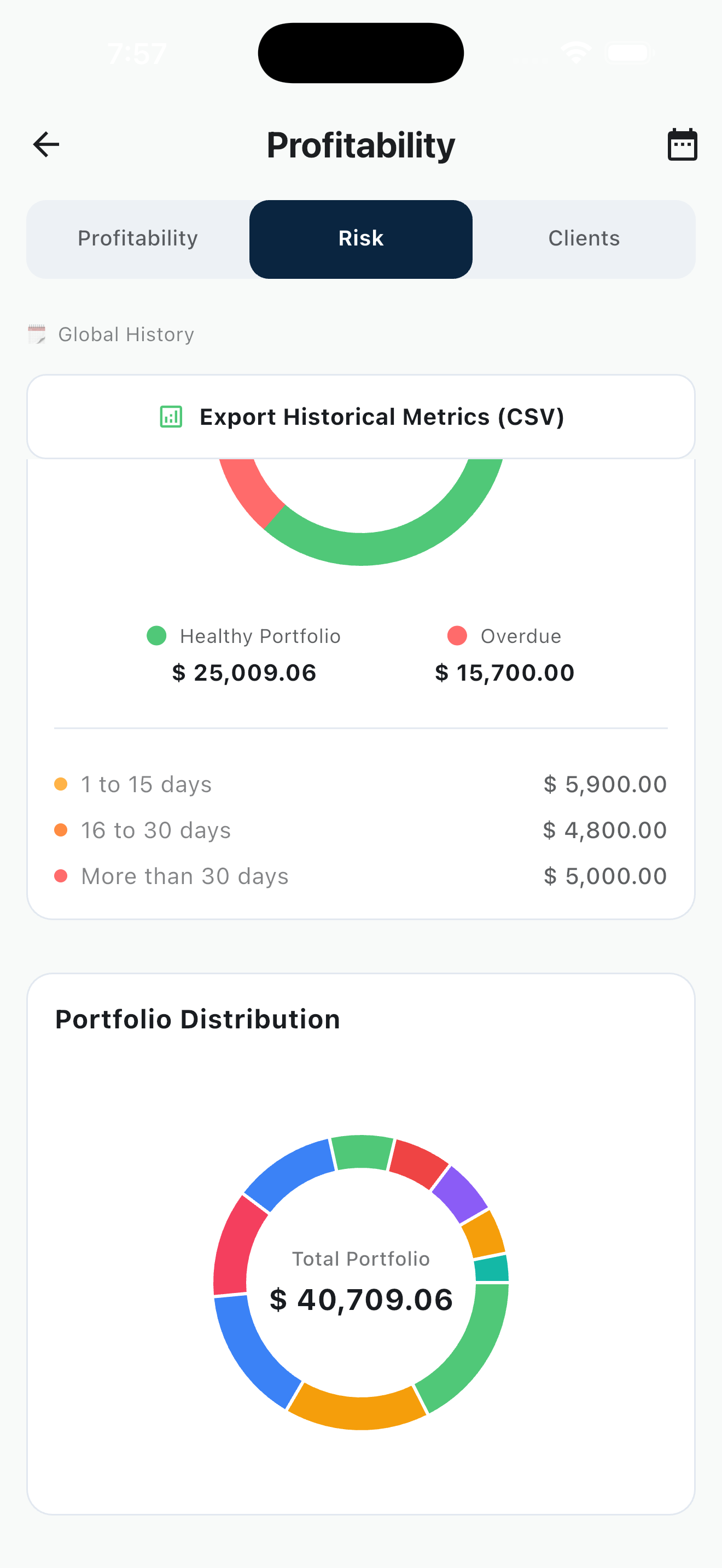
- CSV Metrics: Go to the analytics section to export your historical metrics and active portfolio (Cartera Viva) into a CSV file for your accounting needs.
7. Multilanguage Support
- PayLend is designed for a global audience. You can change the language at any time in the Settings menu. Available languages are English, Spanish, French, German, Italian, Portuguese, and Haitian Creole.